LCD Usage in Embedded Systems: How to Choose the Right Screen?
LCD Usage in Embedded Systems: How to Choose the Right Screen?
In embedded systems, LCD screen is the most critical bridge between device and user.
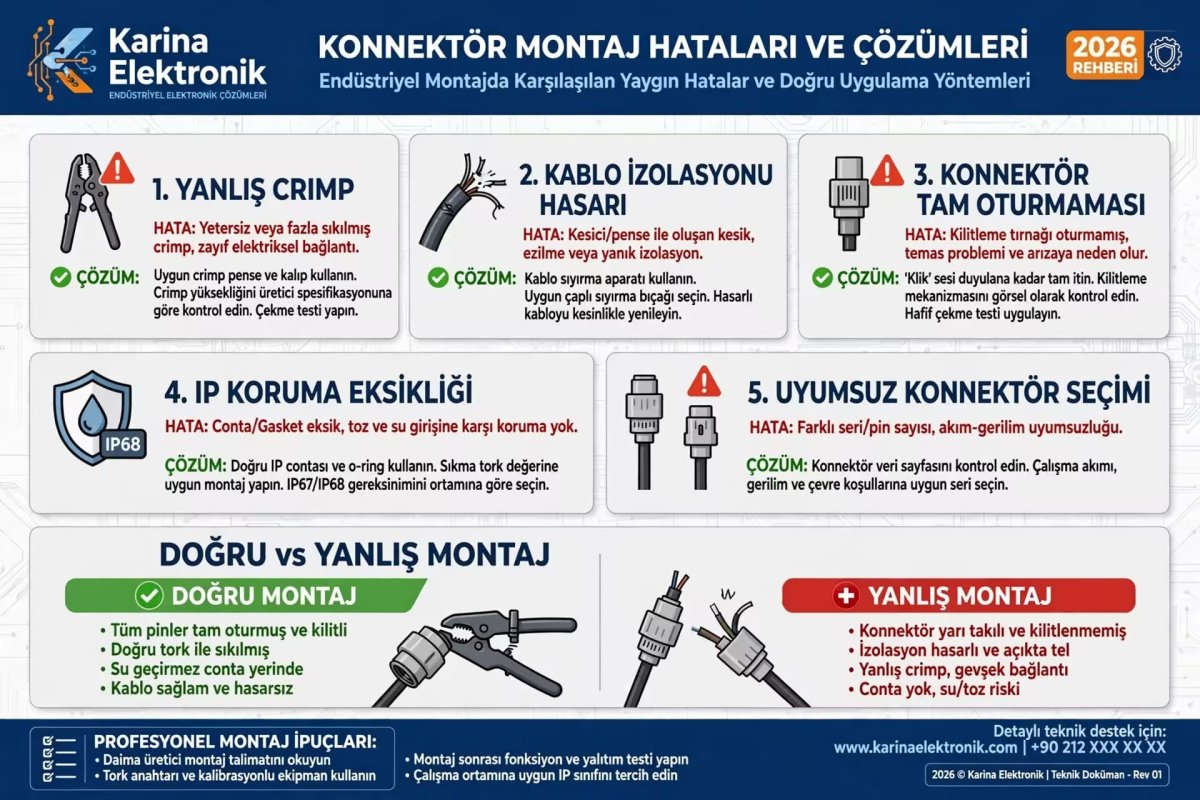
A wrongly selected screen throws away the user experience, power consumption and cost of the whole project.Which LCD Type for Which Project?
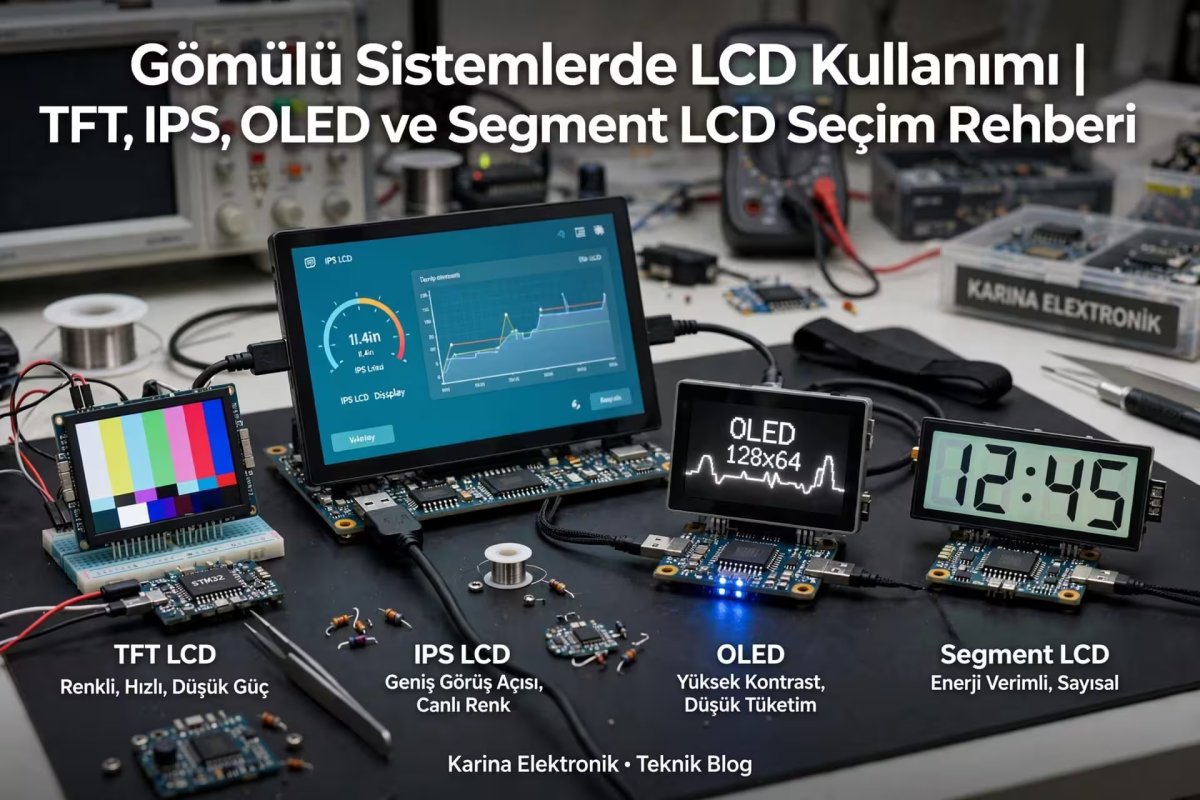
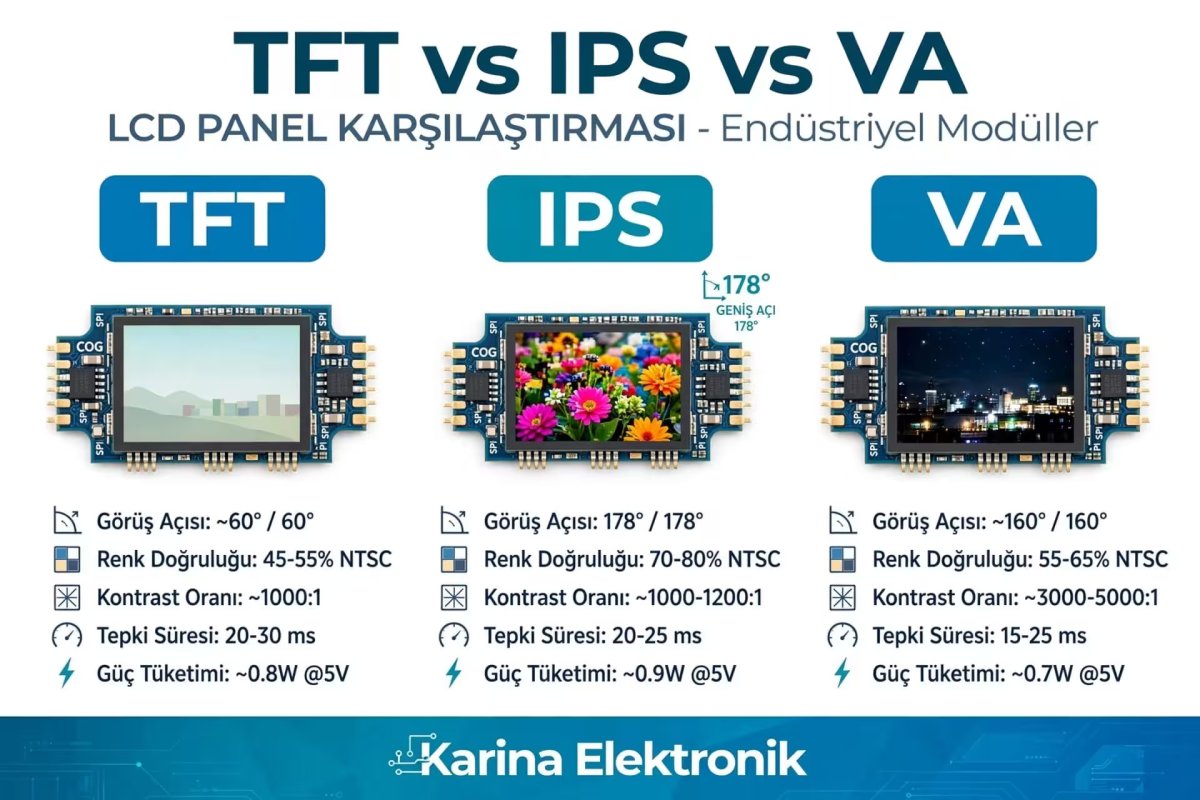
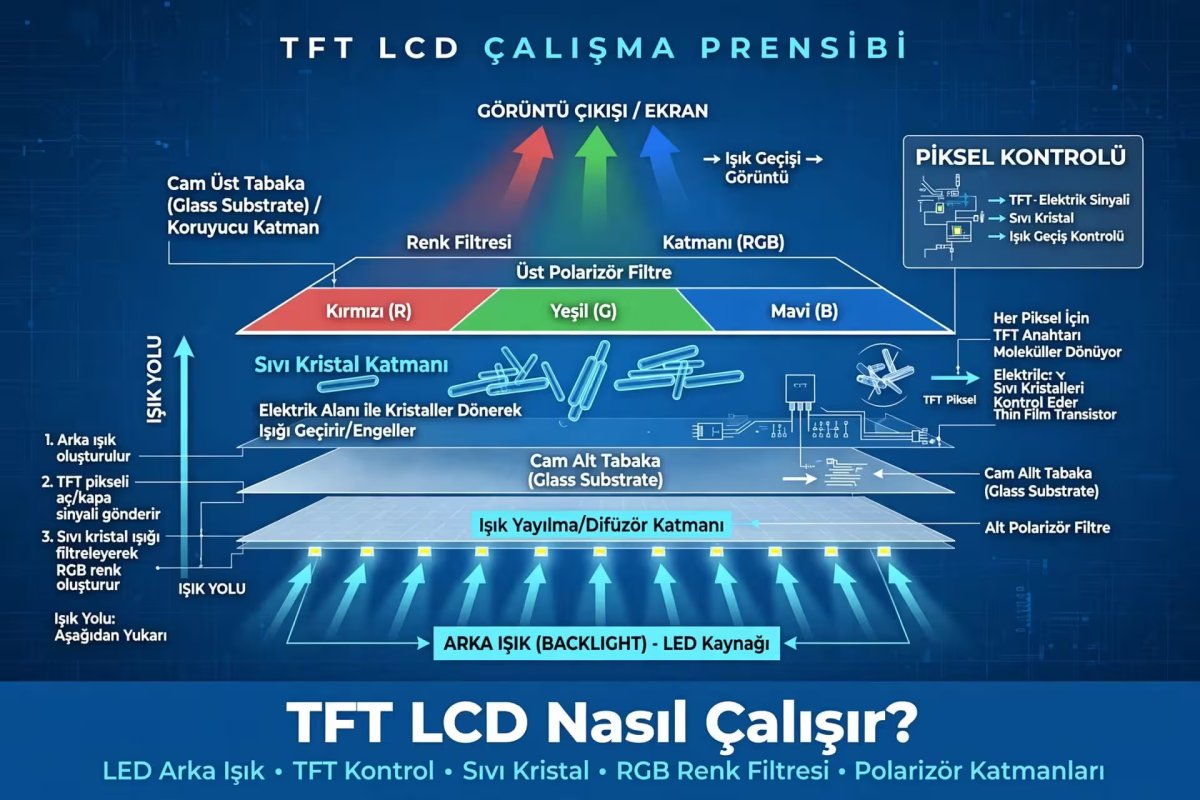
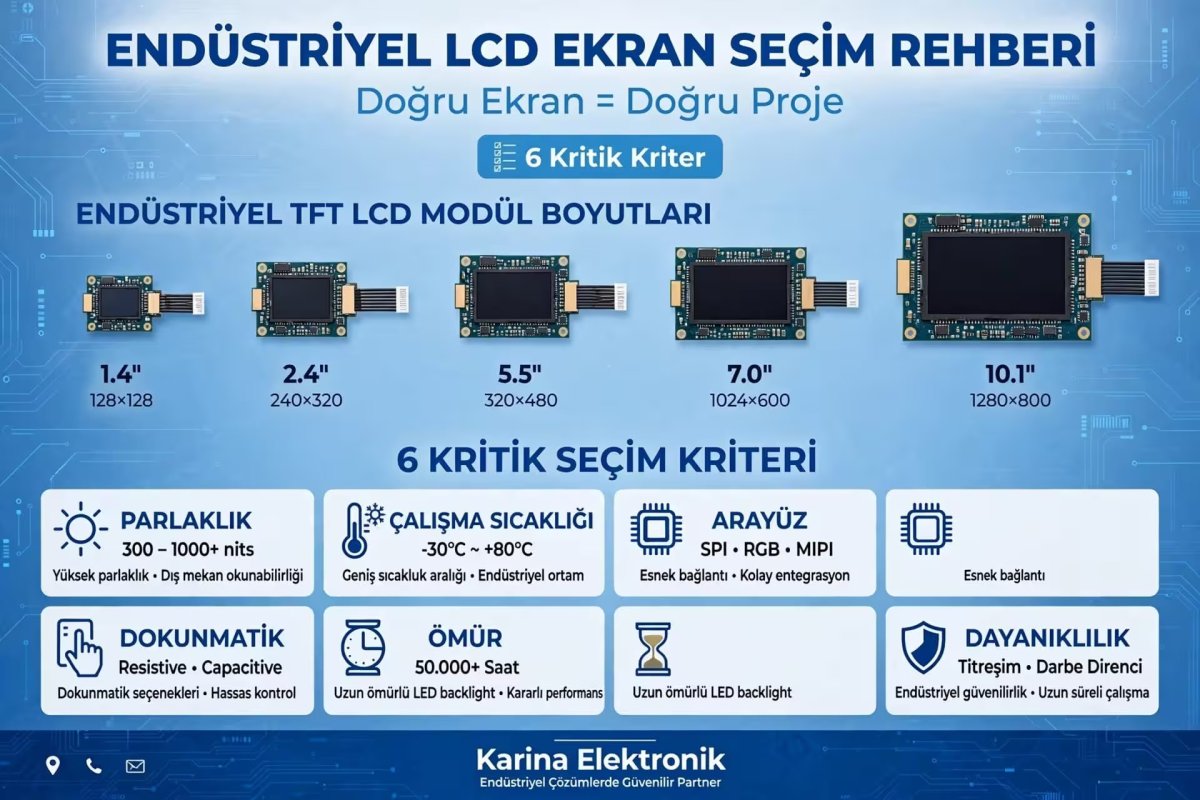
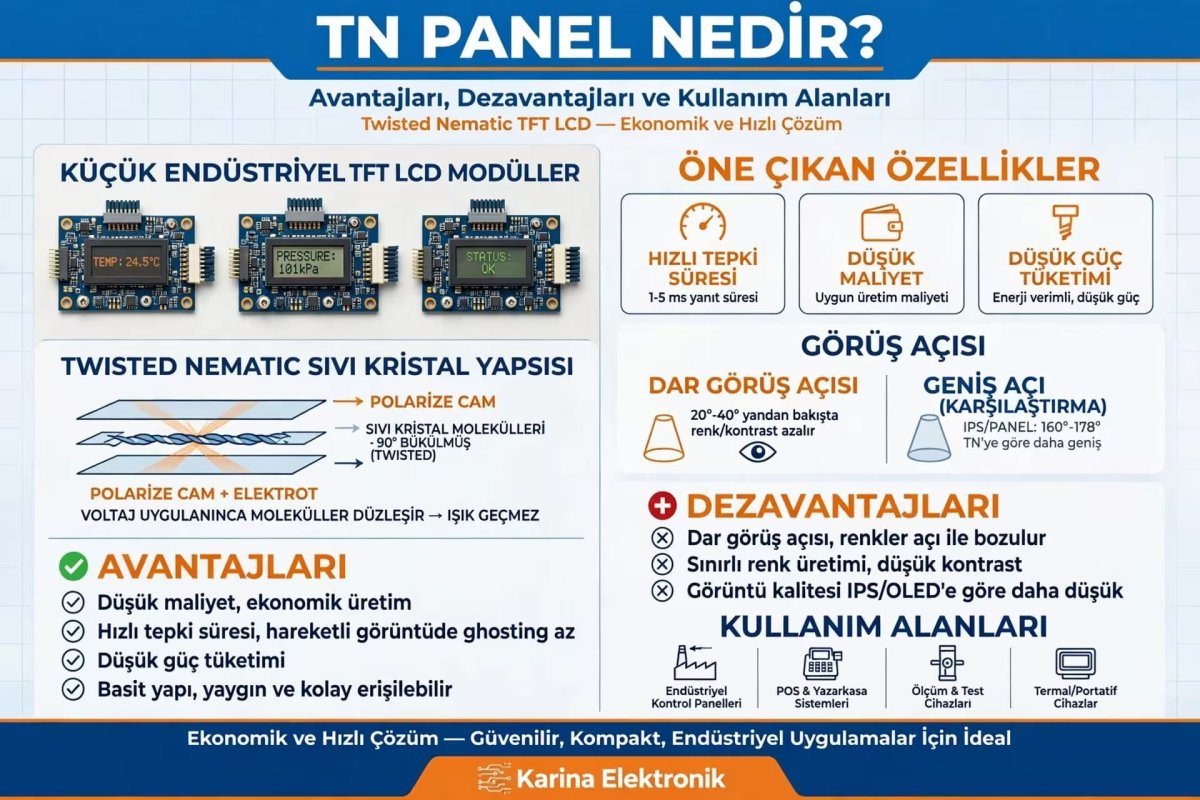
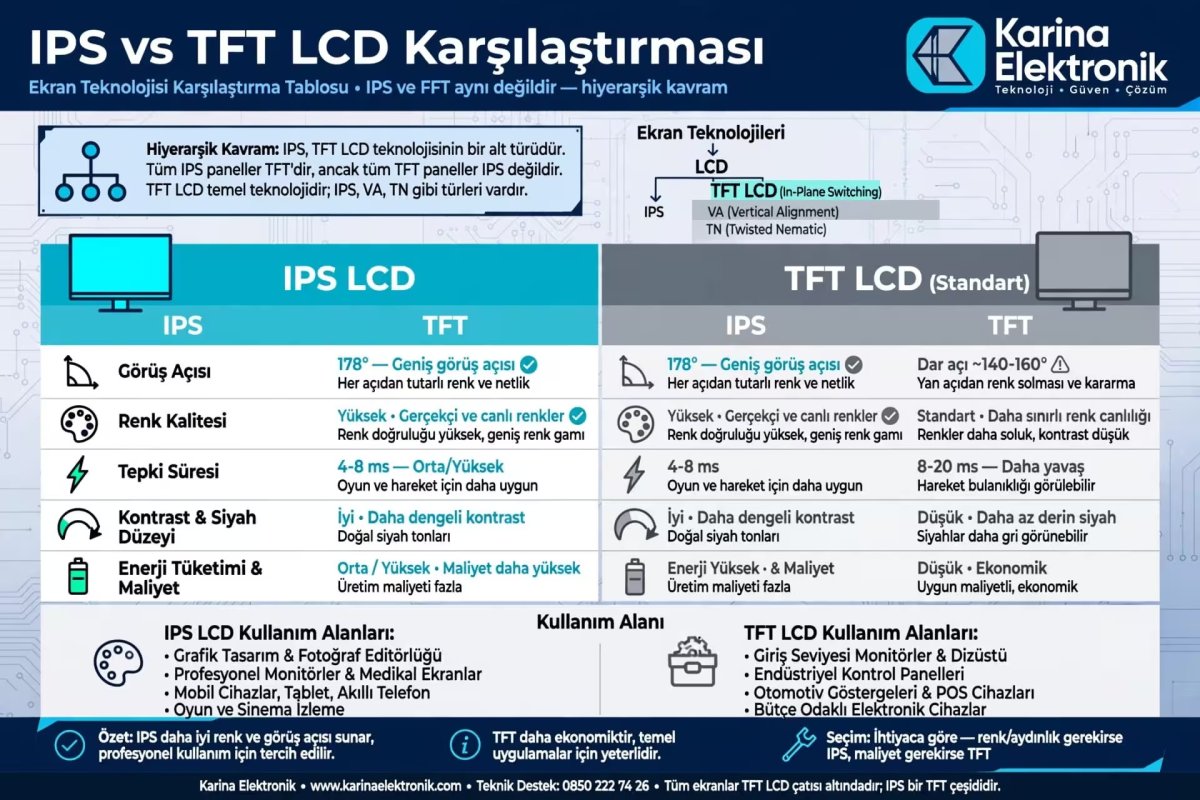
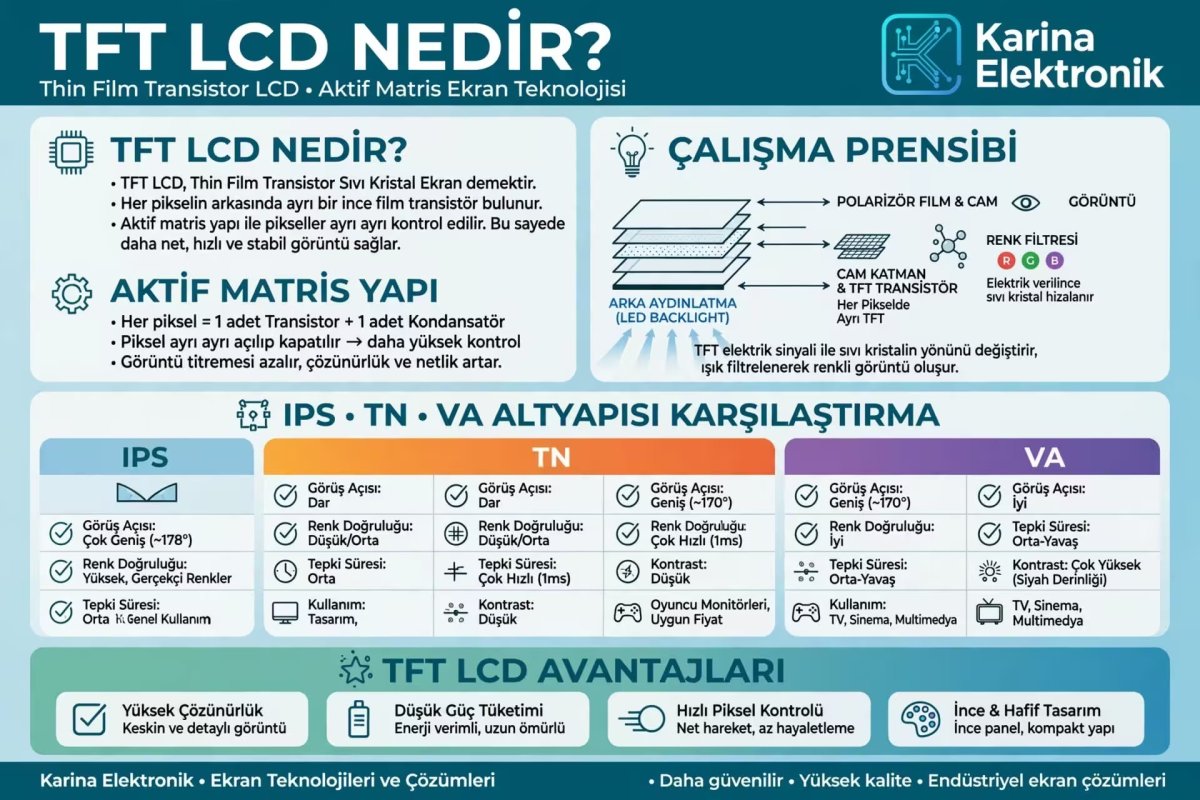
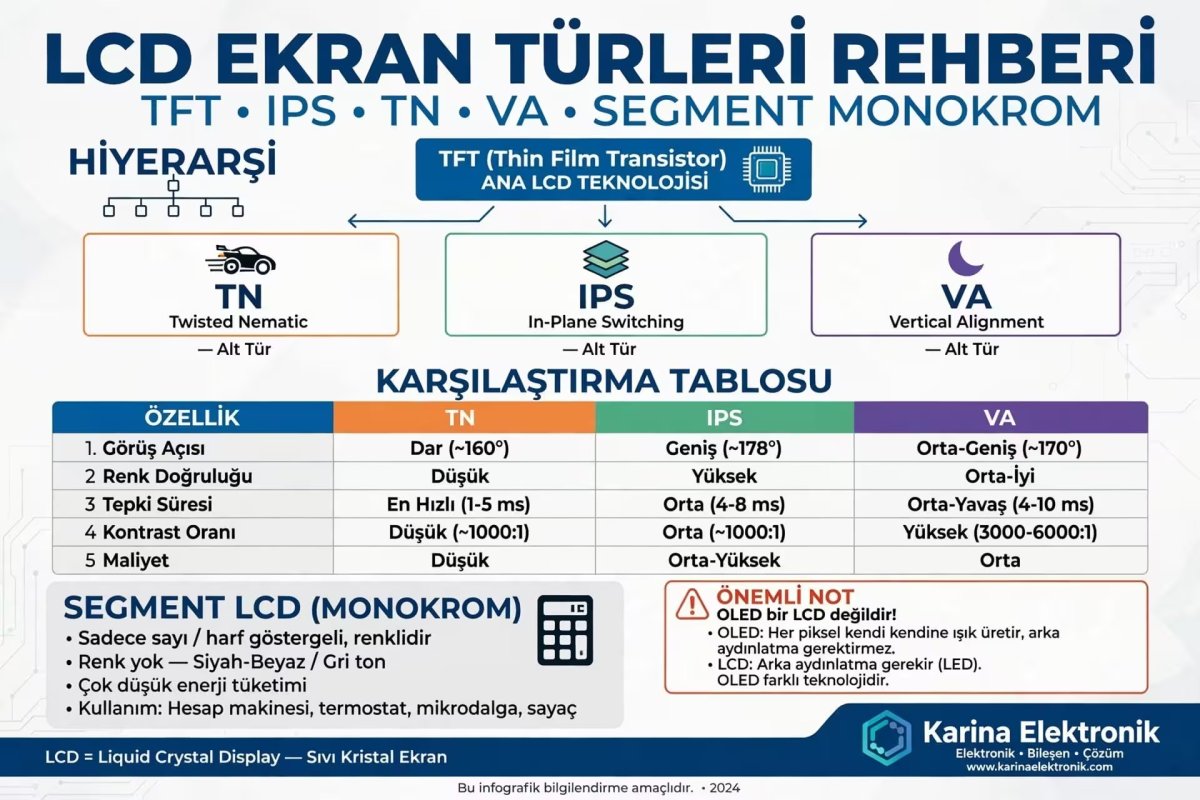
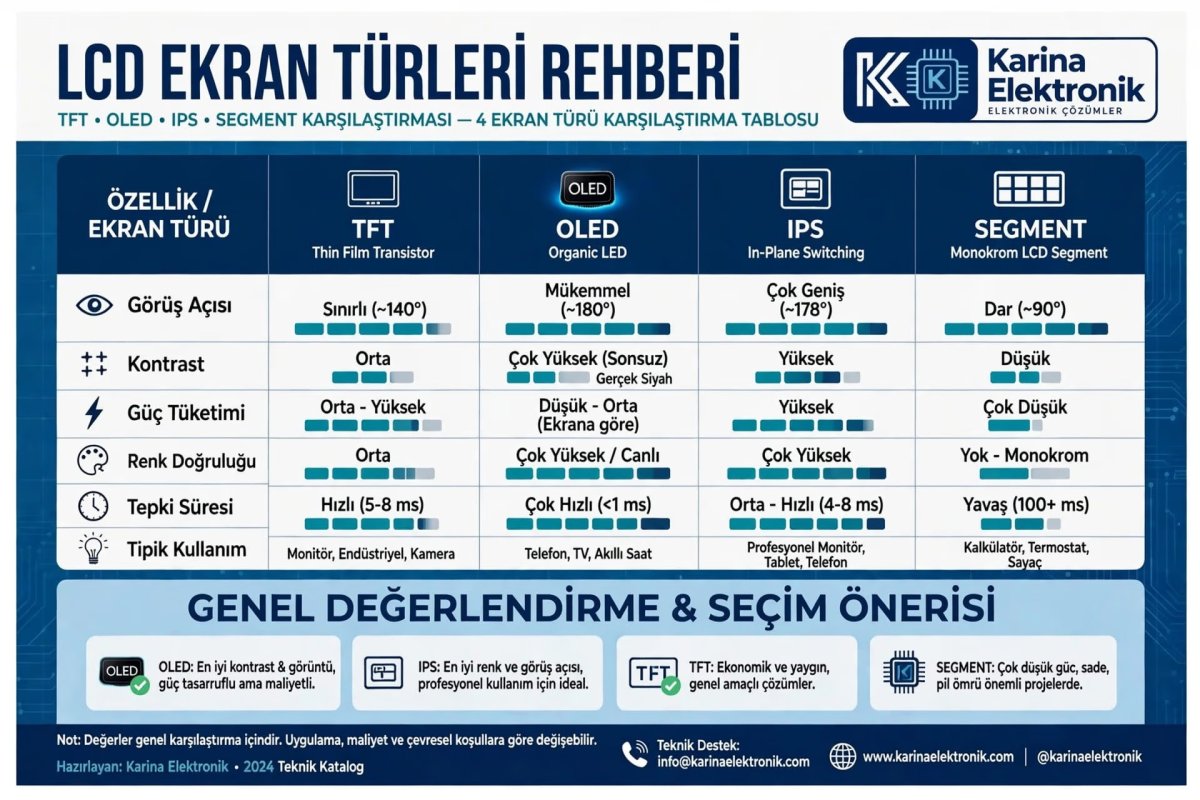
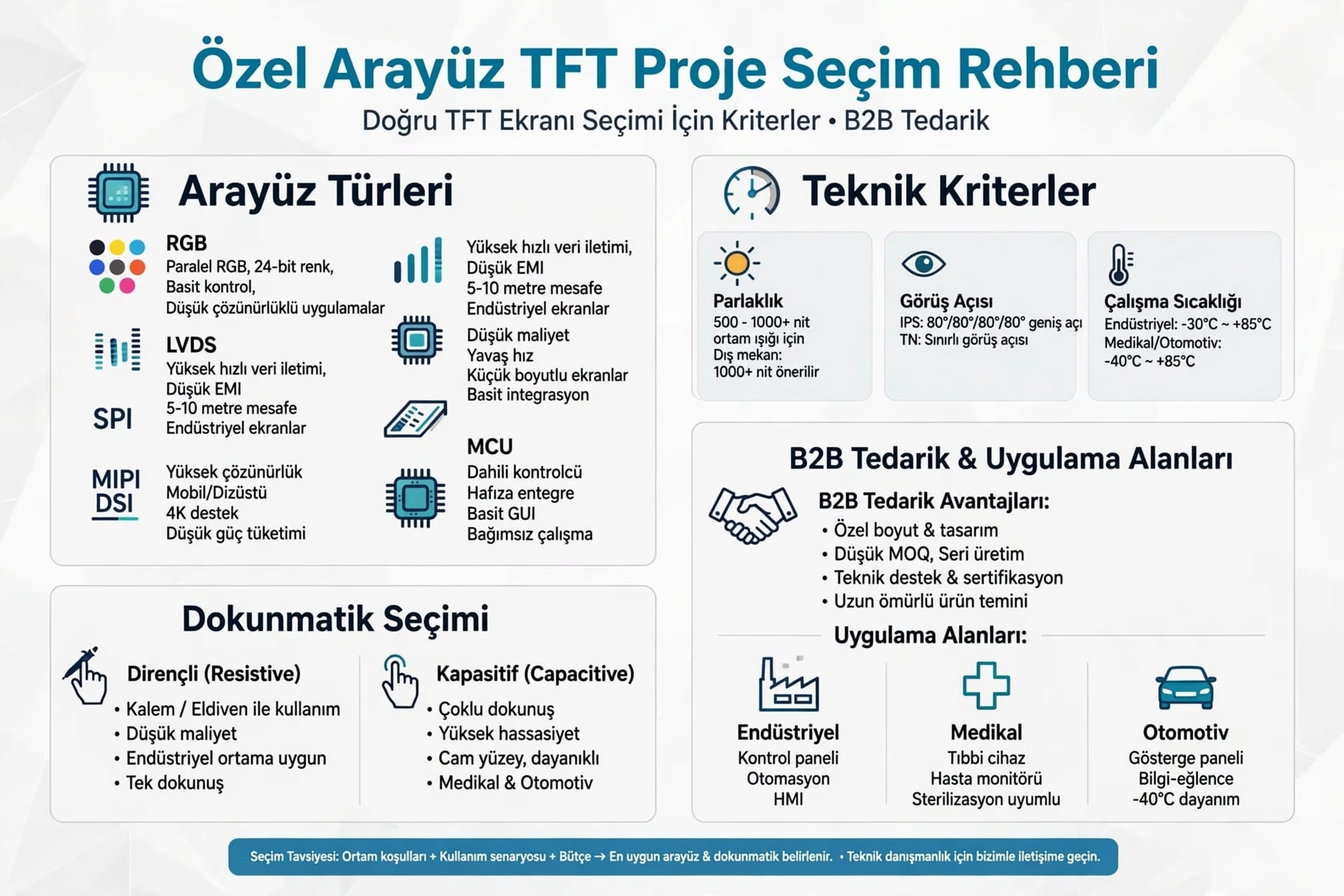
1. TFT LCD (Thin Film Transistor) - Most Common SolutionUsed in 80% of industrial projects. Colorful, fast and cost-effective.Plus: Full color, easily driven with SPI / I2C, plenty of Arduino and ESP32 libraries.Minus: Poor visibility under sun.Ideal: Automation panels, IoT control devices, hand terminals.
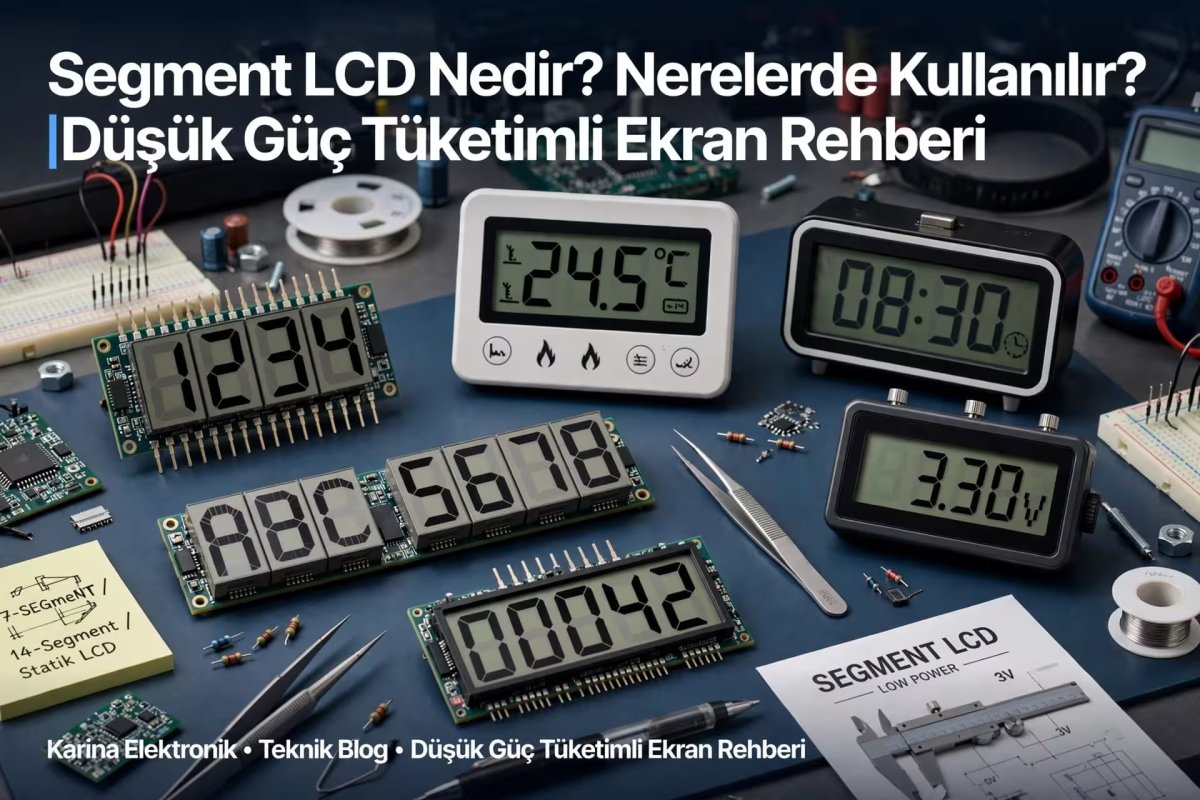
2. Segment LCD - If You Will Only Show NumbersFor ultra-low power projects that will only show numbers such as calculator, water meter, simple measurement devices.Plus: Almost zero power consumption, works on battery for years.Minus: Only numbers / letters, no graphics.
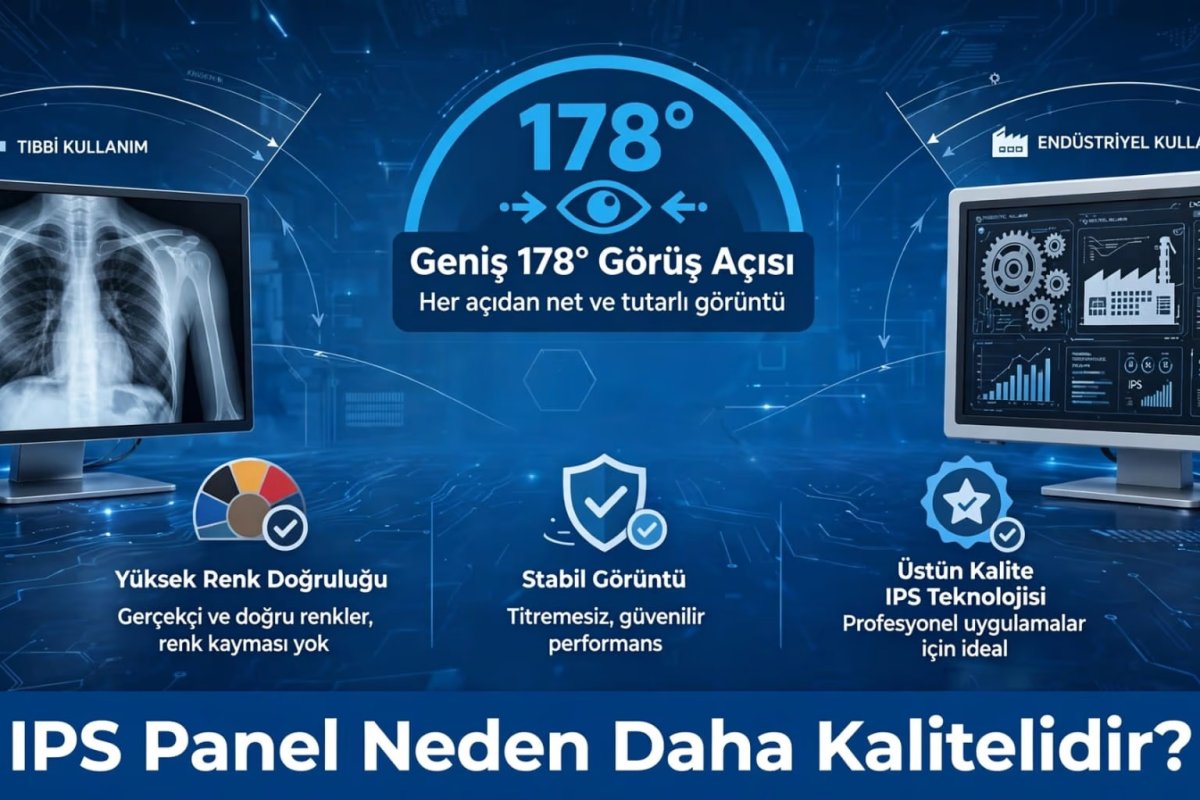
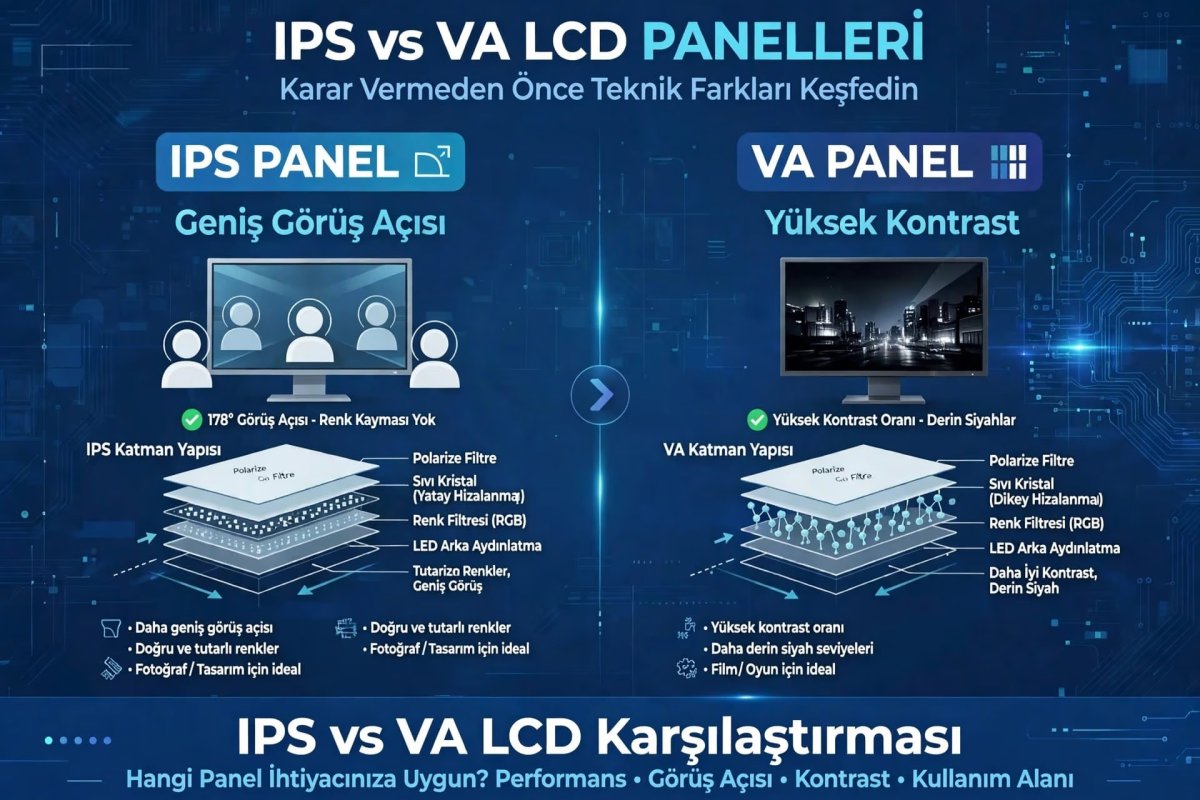
3. IPS LCD - For Premium InterfaceIf wide viewing angle and vivid colors are needed. Makes a difference in devices you will show to customer.Plus: 178 degree viewing angle, very vivid colors, compatible with touch.Minus: 30% more expensive than TFT and draws a little more power.
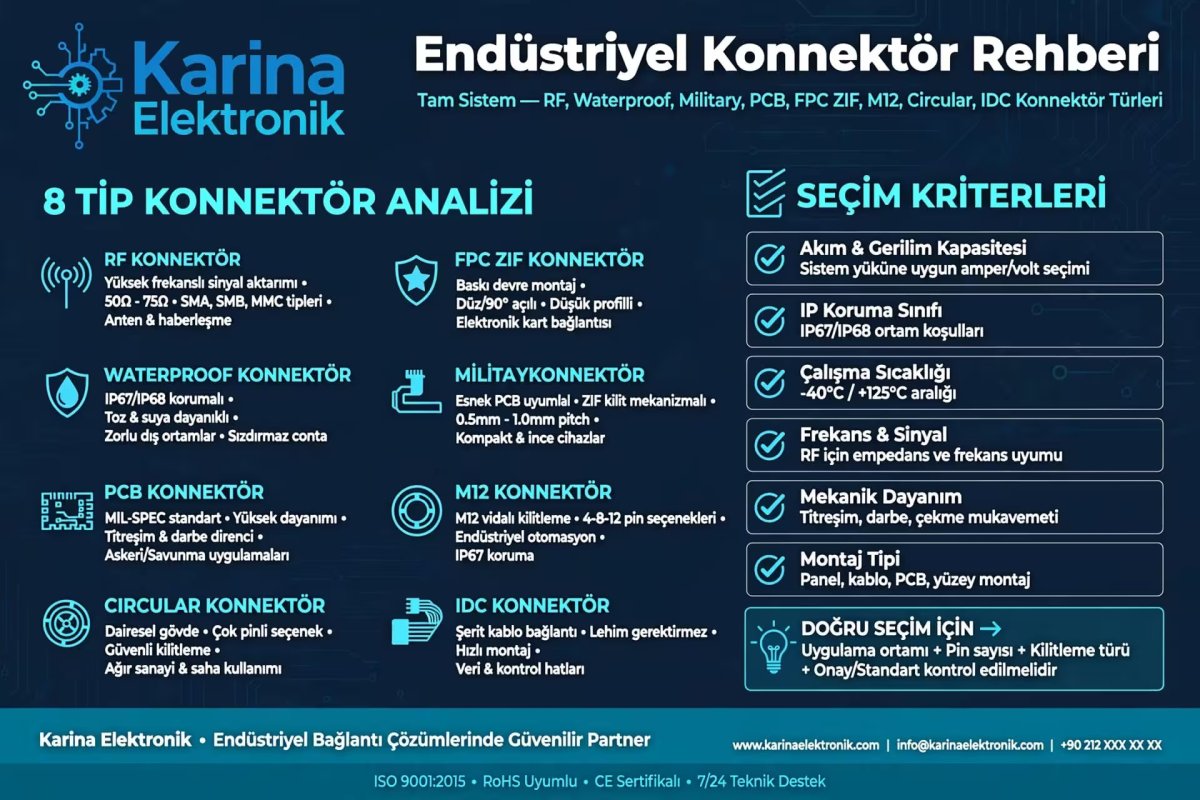
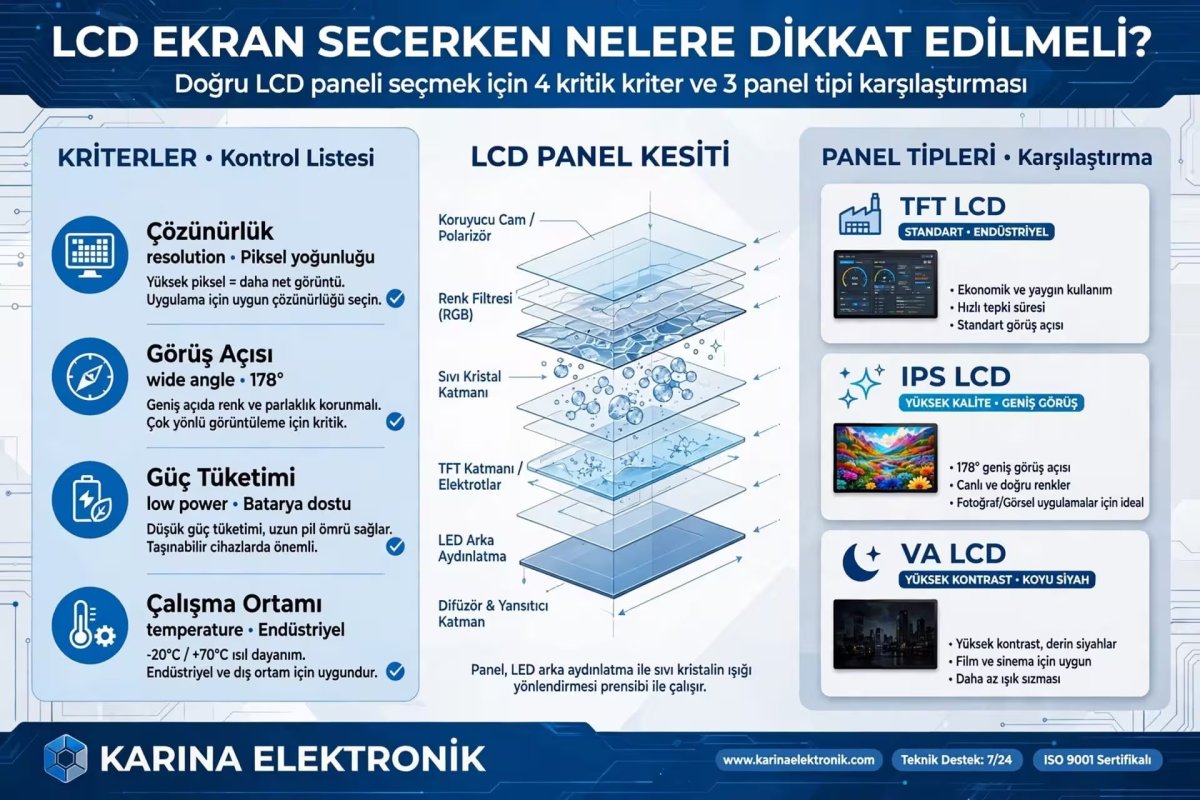
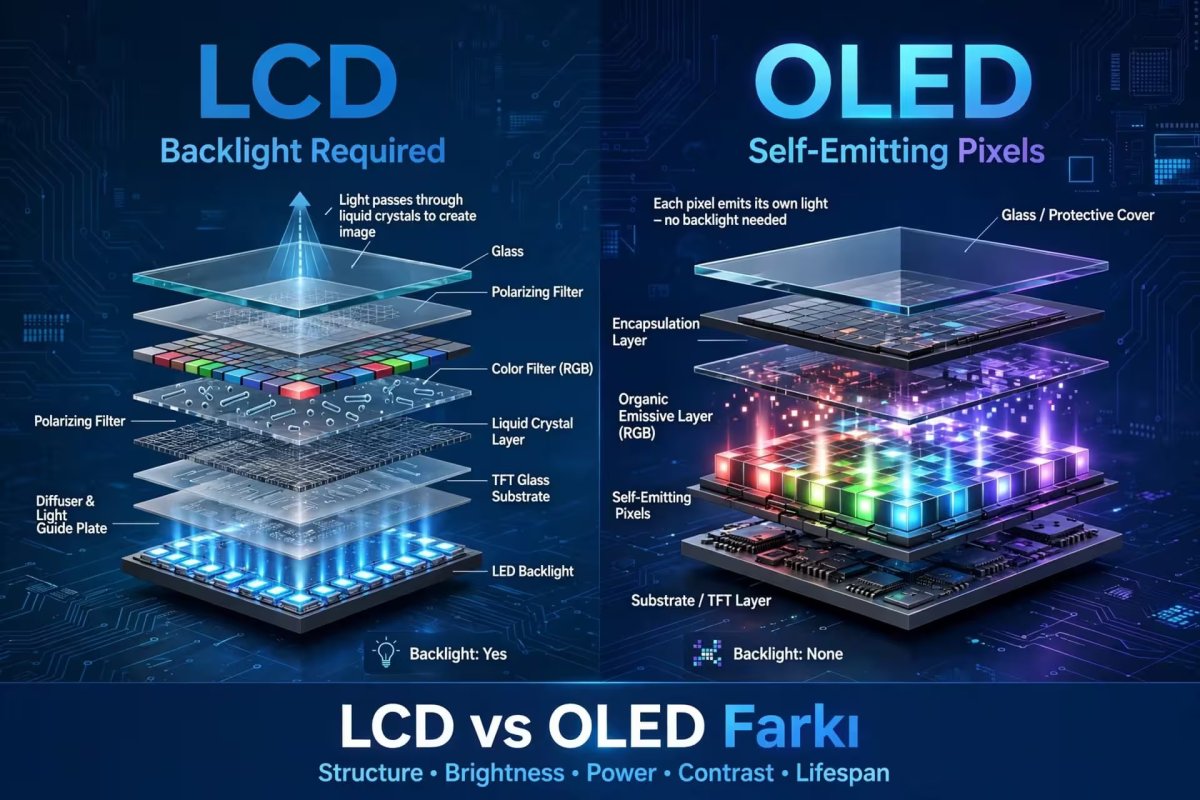
4. OLED LCD - King of BlackBest for small wearable and battery-powered IoT devices. Produces its own light, blacks are fully black.Plus: Very low power, perfect contrast, thin structure.3 Critical Criteria When Choosing LCDPower Consumption: If you are making a battery-powered IoT device, choose OLED or Segment LCD instead of TFT, otherwise your battery will run out in 1 week.Size and Resolution: From 1.8 inch to 7 inch. For industrial panel, we recommend at least 2.4 inch.Interface Need: Will you only show temperature or touch menu? Determines graphic library need.Usage AreasIndustrial Control Systems (PLC panels, HMI)Smart Home and IoT Devices (thermostat, smart socket screen)Automation and Medical DevicesPortable Measurement DevicesConclusion
LCD selection in embedded system determines quality of project. Cheap and wrong screen cannot be saved no matter how much you struggle software-wise.
For TFT, IPS and OLED screens suitable for your project: https://www.karinaelektronik.com/